|
|
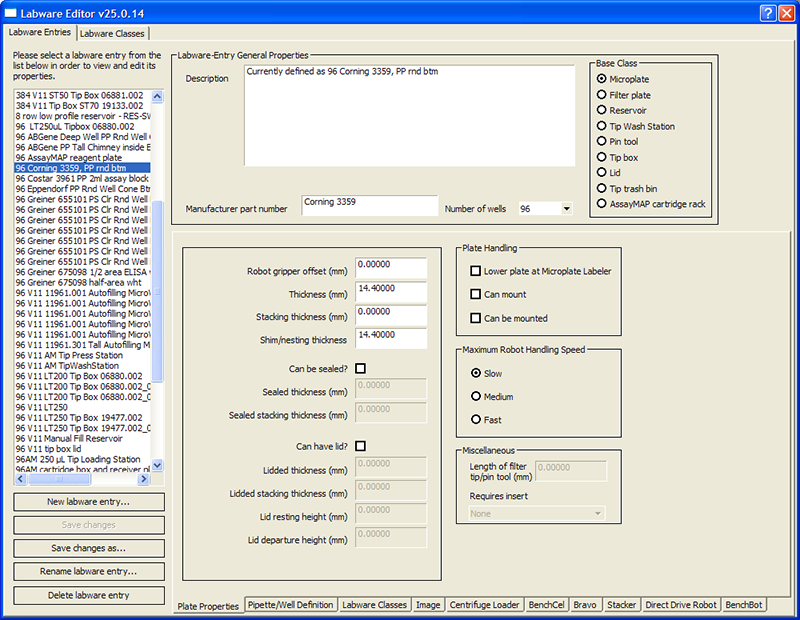
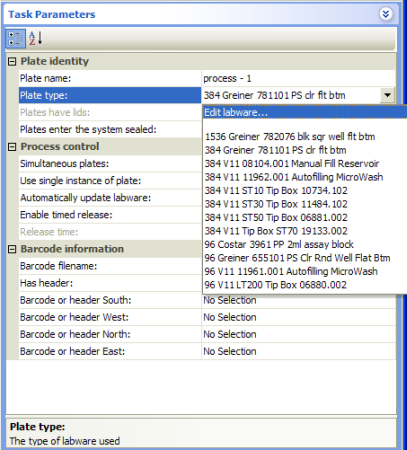
You use the Labware Editor when you want to view, add, delete, edit, or rename labware entries or labware classes. This topic explains how to open the Labware Editor from the Tools menu and protocol editor in the VWorks software. See the device user guide for details on how to open the Labware Editor from the device diagnostics software.