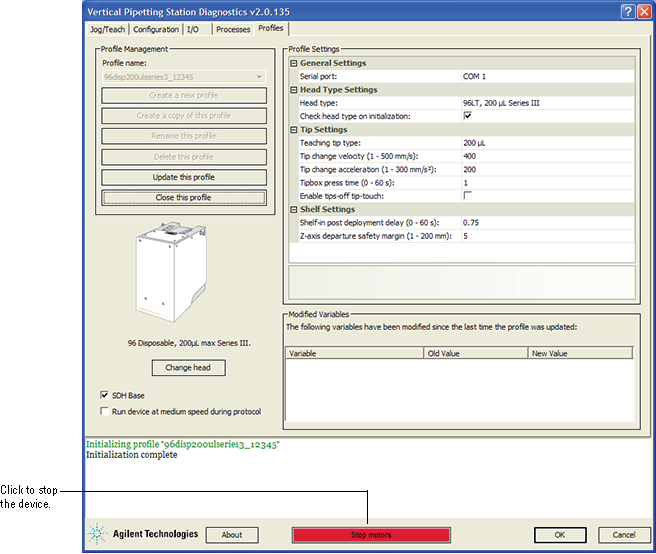
Using diagnostics software to stop the device About this topic This topic describes how to stop the motors while using Vertical Pipetting Station Diagnostics. For details on performing an emergency stop, see Stopping in an emergency. Stopping the motors To perform a stop from Vertical Pipetting Station Diagnostics: 1 In the Vertical Pipetting Station Diagnostics window, click the red Stop motors button. To resume pipette head movement, you can use the tools on the Jog/Teach tab. Related topics For information about... See... Opening diagnostics Opening Vertical Pipetting Station Diagnostics Homing the pipette head Jogging the pipette head Performing an emergency stop Stopping in an emergency Reporting a problem Reporting problems