Labware Editor overview
Labware Editor tabs
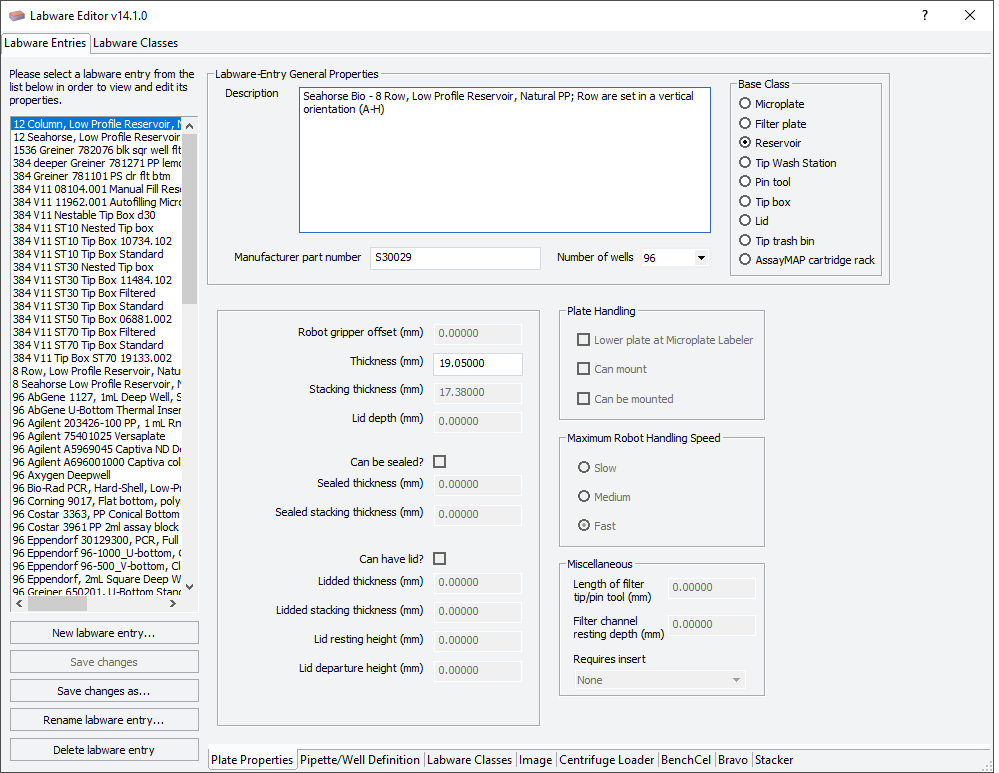
The Labware Editor has two tabbed pages:
• Labware Entries. Provides tools for creating and editing labware definitions.
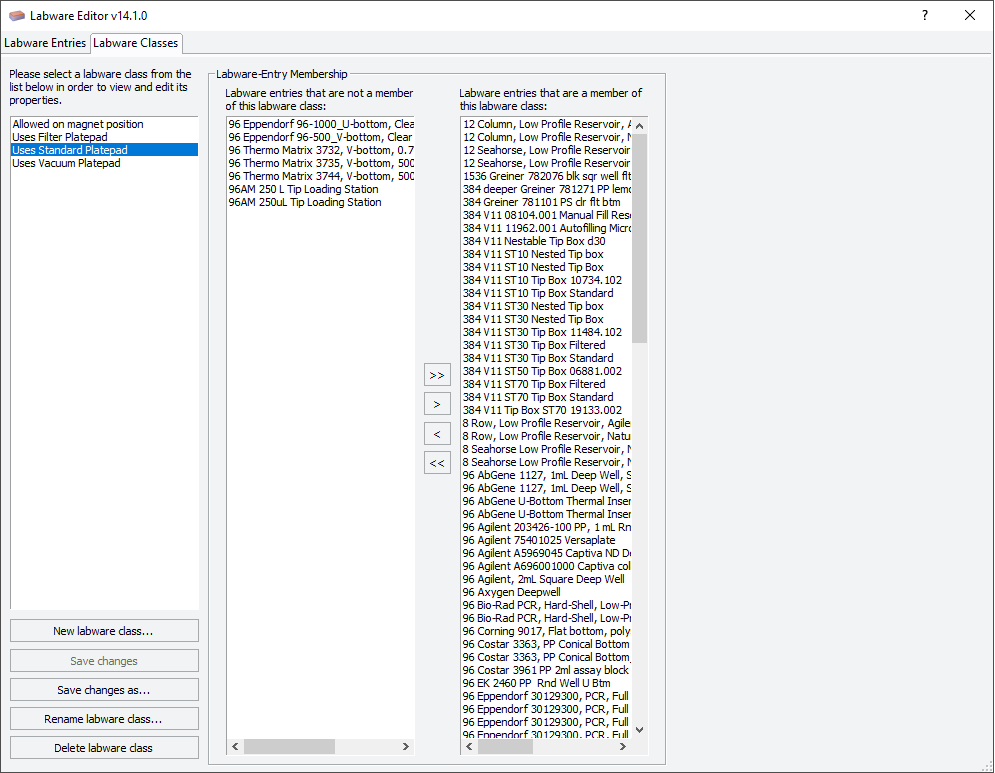
• Labware Classes. Provides tools for creating and editing labware classes and the labware entries for each class.
Labware Entries tab
 |
Sub-tabs
The Labware Entries tab contains the following sub-tabs that contain the properties associated with a labware entry.
To find out more about… | See… |
|---|---|
Plate Properties tab | |
Pipette/Well Definition tab | |
Labware Classes tab | |
Image tab | |
Centrifuge Loader tab | |
BenchCel tab | |
Bravo tab | |
Stacker tab |
Labware selection list
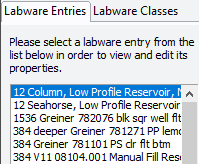
The labware selection list, which is the left-hand column, displays the list of labware definitions and allows you to select the labware entry that you want to edit.
 |
Labware-Entry General Properties area
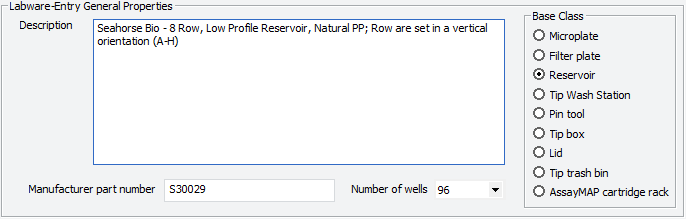
The Labware-Entry General Properties area displays the labware properties that apply across all sub-tabs.
 |
Labware Classes tab
You use the Labware Classes tab to create labware classes and assign defined labware to a labware class.
 |
Related information
For information about... | See... |
|---|---|
The Labware Editor | |
Workflow for defining labware in the Labware Editor | |
VWorks Plus only. Audit trails |